Record accurately
Users are responsible for entering and reviewing accurate information appropriate to their operation.
Colony Core can keep structured field history associated with the work it supported. This public page intentionally does not publish the complete field set, validation behavior, filters, exports, or record-management controls.
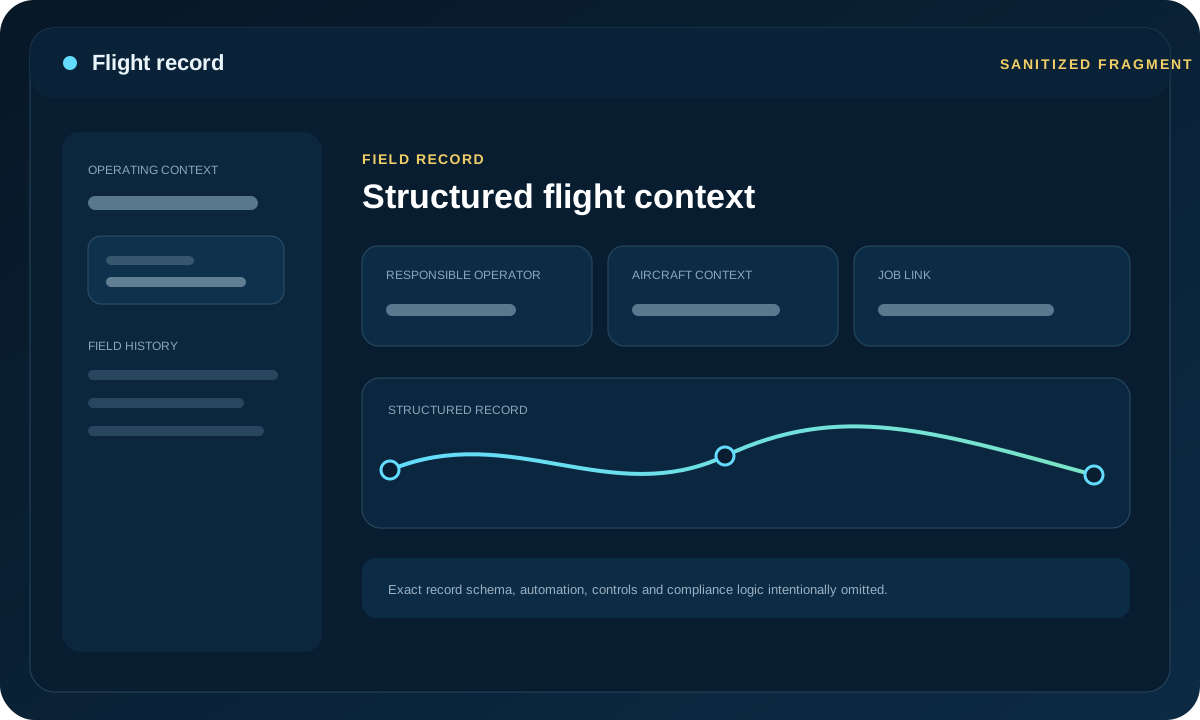
The record model is intended to support consistent organizational history. It is not represented as automatic proof of regulatory compliance.
Users are responsible for entering and reviewing accurate information appropriate to their operation.
Where enabled, keep the field record associated with relevant job and equipment context so later review is easier.
The remote pilot and organization determine current regulatory requirements, retention needs, and what evidence is legally sufficient.
The public site does not publish the full record schema, exact entry procedure, filtering model, export configuration, validation rules, status logic, or equipment-derived calculations. Those details can vary and provide unnecessary implementation disclosure.
Signed-in users should use their account support path or contact Colony Core for the current workflow.