Job Management

Track every job from initial quote to final closeout. No more lost details, missed follow-ups, or spreadsheet chaos.

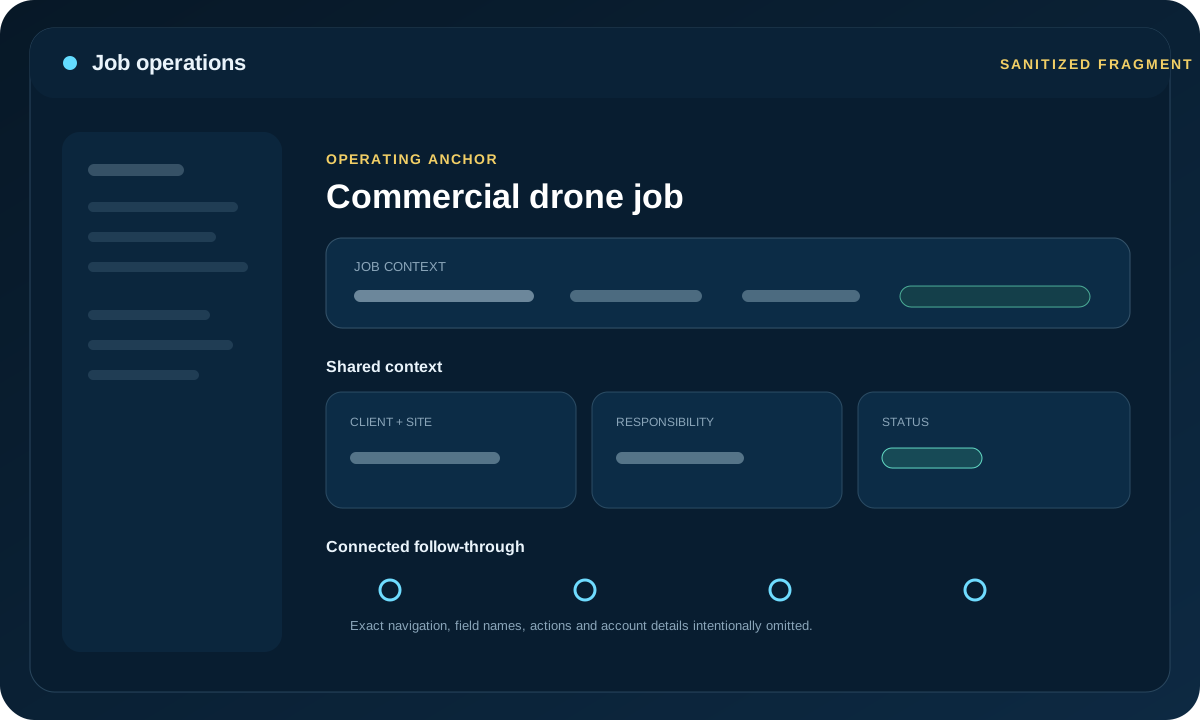
Colony Core job management dashboard Job Management preview unavailable

Job Dashboard at a Glance

Pipeline

All jobs from inquiry to completion with clear status at every stage

Assign

Assign pilots, aircraft, and schedule to each job with one action

Track

Shared job progress, notes, and status updates from field to office

Invoice

Generate invoices from completed jobs with pre-filled client and service data

The Problem: Disconnected Job Tracking

Most drone operators juggle multiple tools:

Result: Lost details, duplicated work, missed opportunities, and frustrated clients waiting for updates.

How Colony Core Job Management Works

1. Capture Every Lead

Create jobs from contact form submissions, emails, or manual entry. All job details live in one place from day one.

  • Client contact information
  • Service type and scope
  • Location and site details
  • Initial quote and pricing notes

2. Track Status Pipeline

Move jobs through your workflow: Quote → Scheduled → In Progress → Review → Invoiced → Paid

  • Visual pipeline view (Kanban-style)
  • Shared status visibility across the team
  • Filter and search across all jobs
  • Priority flags and due dates

3. Schedule and Assign

Assign jobs to pilots, set dates, and see your team's availability at a glance.

  • Calendar view of all scheduled jobs
  • Pilot workload balancing
  • Scheduling context for weather-sensitive work
  • Notifications to assigned pilots

4. Link Flight Data

Flight logs can stay tied to the jobs they support so the operational record stays connected.

  • Flight logs attached to job record
  • Equipment usage tracked per job
  • Time on site and operational notes can be recorded
  • Deliverables checklist and file uploads

5. Invoice and Close

Generate invoices directly from job records with one click.

  • Pre-filled invoice from job data
  • Track payment status
  • Track billing status and follow-up notes from the same job record
  • Archive completed jobs with full history

Key Benefits

Cleaner Handoffs

Keep job details, flight records, and billing context linked so work does not get rebuilt between stages.

Full Job Visibility

See every job's status, profitability, and timeline at a glance. No more hunting through emails.

Better Cash Flow

Invoice faster with pre-filled job context, then keep billing status and follow-up organized from the same system.

Happier Clients

Shared status visibility and organized records reduce the back-and-forth around job progress.

See Job Management in Action

Stop losing details in spreadsheets. Start tracking jobs the right way.

Request Beta Access